Best AI Task Automation Tools for Excel Macro Replacement (2026)
Your Excel macros are breaking more often than they save time, and maintaining VBA code is eating hours your team doesn't have. Spreadsheet automation built on fragile scripts is becoming harder to justify when AI tools now handle the same workflows with plain language. This guide breaks down six AI task automation tools that can replace your macro setup, with concrete criteria for evaluating each one.
By the end, you will know exactly which features matter for replacing Excel macros, how each tool handles recurring tasks and reporting, and which option deserves your attention first. You will also have a clear comparison framework to make your final decision without guesswork.
What to Look For in AI Task Automation Tools for Excel Macro Replacement
When replacing Excel macros with AI task automation tools, focus on natural language processing capabilities, integration with existing workflows, and the ability to handle both simple and complex automation tasks without coding. The right platform should understand plain English commands and translate them into repeatable, reliable processes. A tool that struggles with basic phrasing will only create frustration for your team.
Start with natural language understanding because it is the core of the modern VBA alternative. Test how the tool interprets commands like "clean column C and remove duplicates" or "send a weekly summary to finance." The best AI agents will ask clarifying questions when instructions are ambiguous, while weaker options will fail silently or produce incorrect output.
Ease of use and no-code automation matter just as much as raw intelligence. Look for drag-and-drop builders, visual workflow editors, and templates that mirror common spreadsheet tasks. If the platform requires scripting knowledge to get started, it defeats the purpose of moving away from Excel scripting and legacy macro migration.
Integration is another critical factor. The tool should connect with your messaging apps, cloud storage, and other automation platforms without complex configuration. Check whether it supports the specific systems your team uses daily, such as email clients, project management software, or database tools. A tool that works in isolation creates data silos instead of solving them.
Scalability for team use separates hobby tools from serious automation platforms. Consider how many users can collaborate on the same workflow, whether permissions are granular enough for your needs, and how the tool performs when running dozens of automations simultaneously. Ask vendors about concurrent task limits and team workspaces before committing.
Reporting and analytics features are often overlooked but essential for proving ROI. You need visibility into which automations run successfully, which fail, and how much time they save. Look for dashboards that show execution history, error logs, and task durations without requiring manual tracking.
Pricing transparency is non-negotiable for budgeting purposes. Review pricing pages carefully for hidden per-task fees, storage overages, or additional costs for premium integrations. Many tools advertise a low entry price but charge significantly more once you exceed basic usage thresholds.
Security should be a top concern since your automations will handle sensitive business data. Verify that the platform offers encryption in transit and at rest, role-based access controls, and clear data retention policies. If you work in finance or accounting, ask about compliance certifications and audit trails for every automated action.
When testing tools during a trial period, focus on real-world scenarios rather than marketing demos. Try creating a task via voice or text to see how well the natural language processing handles your specific phrasing. Set up a recurring automation that runs daily or weekly, then verify that it executes consistently without manual intervention.
Generate a simple report from your spreadsheet data to evaluate the reporting features. Test data cleaning automation on a messy dataset with duplicates, blanks, and inconsistent formatting. Try a pivot table creation task to see if the tool understands structural transformations, not just basic calculations.
Compatibility with current tools will determine whether adoption succeeds. Check if the platform reads and writes standard Excel file formats, handles CSV exports, and plays nicely with your existing ERP or CRM systems. Also assess the learning curve by timing how long it takes a non-technical team member to build their first working automation.
Finally, consider the migration path from your existing macros. Look for tools that offer import assistance, macro conversion guides, or at least clear documentation on rebuilding workflows. A smooth transition from Excel VBA deprecation to modern AI-driven workflows reduces downtime and prevents productivity losses during the switch.
1. Tasks.Bot - Best Overall
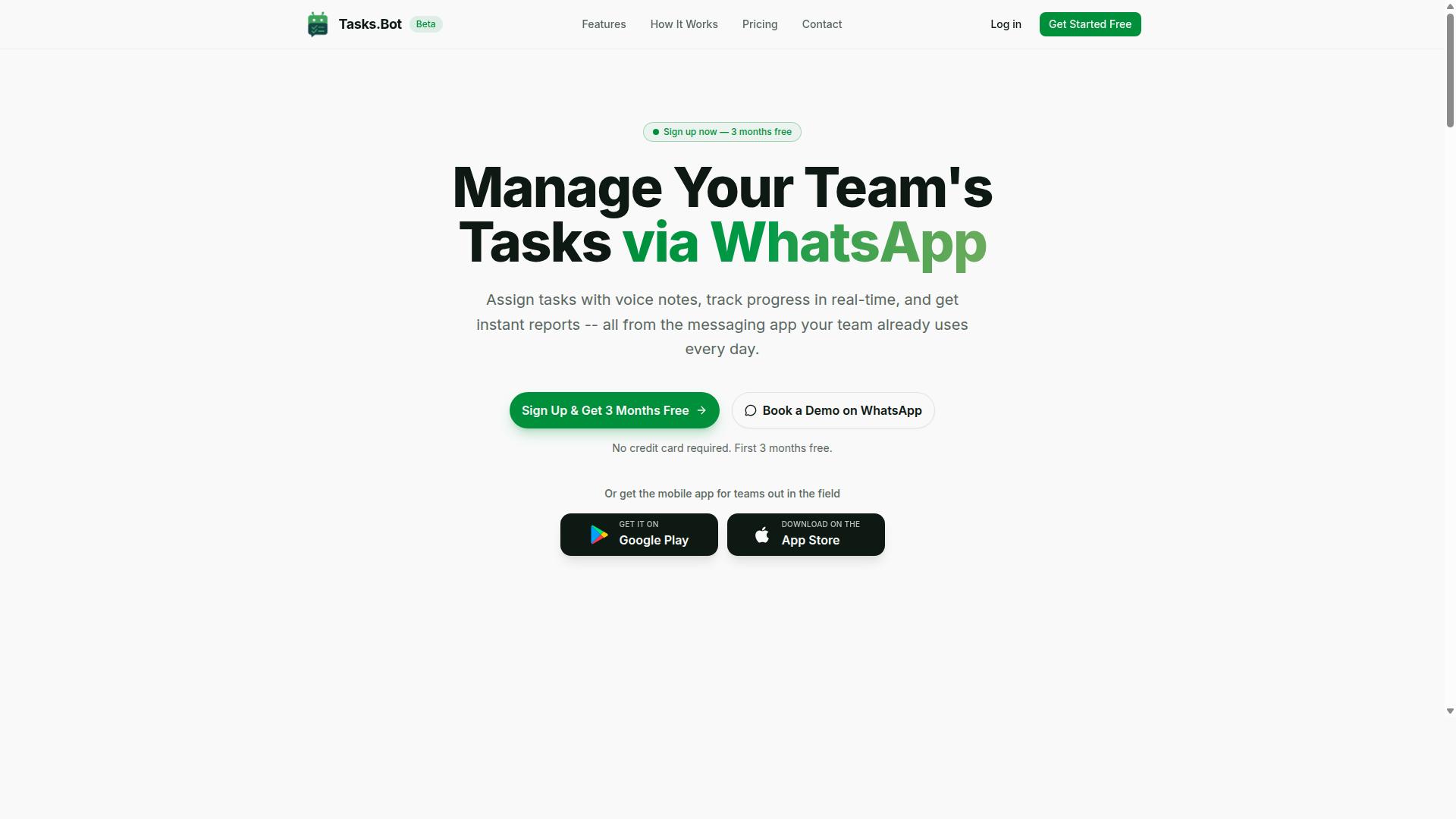
Tasks.Bot stands out as the best overall choice for teams looking to replace Excel macros with AI-driven task automation, operating entirely within WhatsApp for seamless integration. It eliminates the need for new installations or accounts, since teams simply use a messaging platform they already have open all day.
The platform uses AI-powered natural language understanding to interpret messages and convert them into structured tasks automatically. This makes it a genuine VBA alternative for teams that want to move beyond spreadsheet automation without learning a single line of code.
Core features that support workflow automation include:
- Voice note task creation, so users can capture work items hands-free
- Automatic task assignment based on the context of each message
- Smart deadline reminders that keep work moving without manual follow-ups
- Approvals and automations for routine process steps
- Instant reports for real-time visibility into team progress
- Task tracking with a live day tracker and tasks displayed on a map
- Face-verified attendance, plus shifts, leave, and hours management
For teams replacing Excel macros, the shift is meaningful. Instead of maintaining fragile spreadsheets with embedded VBA scripts, managers can simply send a voice note or text message and let the system handle the data entry automation and assignment logic.
The service also offers Android and iOS apps with push notifications, voice capture, and a home screen widget, making it a practical task automation software for field teams and office staff alike. Native WhatsApp integration means there is no separate portal to check or new login to remember.
Tasks.Bot is available globally, though it is currently in beta, so some features may evolve over time. Teams interested in evaluating it for Excel macro replacement can book a demo to see how the platform handles their specific workflows before committing to a rollout.
2. Reminderly.ai
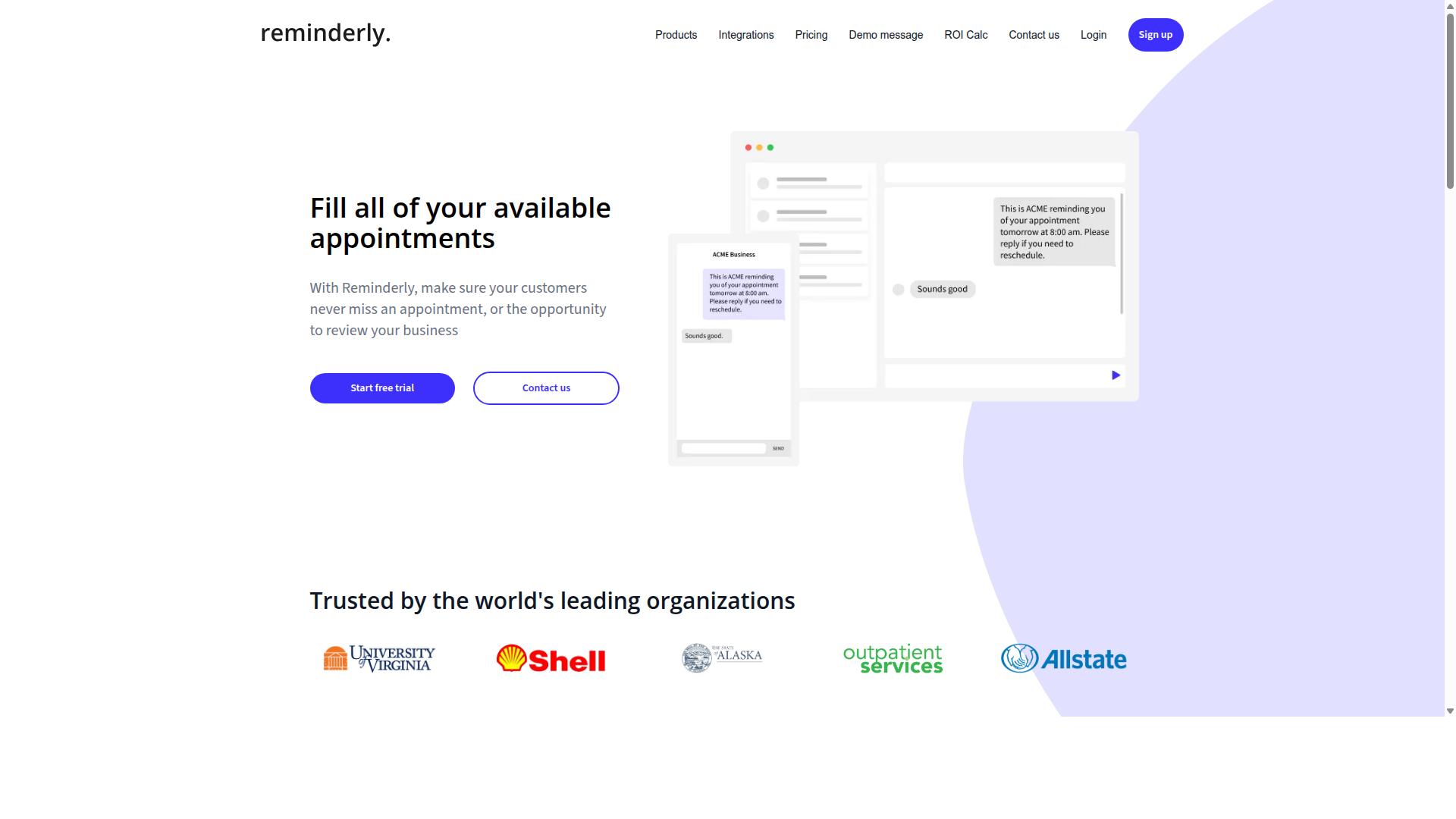
Reminderly.ai focuses on intelligent reminders and follow-ups, making it a viable option for teams that need to automate deadline-driven tasks without complex setup. The platform appears to target users who want a lighter approach to task automation rather than a full spreadsheet replacement tool.
For teams considering Reminderly.ai as an Excel macro replacement, the core value likely centers on scheduling and notification workflows. It probably uses AI to parse due dates, prioritize follow-ups, and keep projects moving without manual tracking. This can be useful for report generation automation or data entry automation where timing matters more than complex logic.
Before committing, evaluate whether Reminderly.ai supports natural language input for creating tasks and reminders. Some automation platforms allow plain-English commands like "remind me to refresh the quarterly pivot table every Friday at 9 AM," while others require structured forms. This distinction affects how quickly your team adopts the tool.
Integration capabilities are another key consideration. Check whether Reminderly.ai connects with your existing spreadsheet tools, email clients, or project management software. A reminder tool that lives in a silo adds limited value for teams trying to eliminate manual Excel scripting across multiple systems.
It is worth noting that Reminderly.ai may not offer the same breadth of features as more comprehensive task automation software. Capabilities like voice notes, multi-step approval workflows, or advanced data transformation may fall outside its scope. Teams needing AI-powered macros for complex data cleaning or pivot table automation might find the feature set limiting.
For simple deadline tracking, client follow-ups, and recurring task alerts, Reminderly.ai could be a reasonable fit. Compare its strengths against your specific workflow automation needs, especially if your primary goal is replacing legacy VBA scripts with a more modern, no-code automation approach.
3. TaskRio
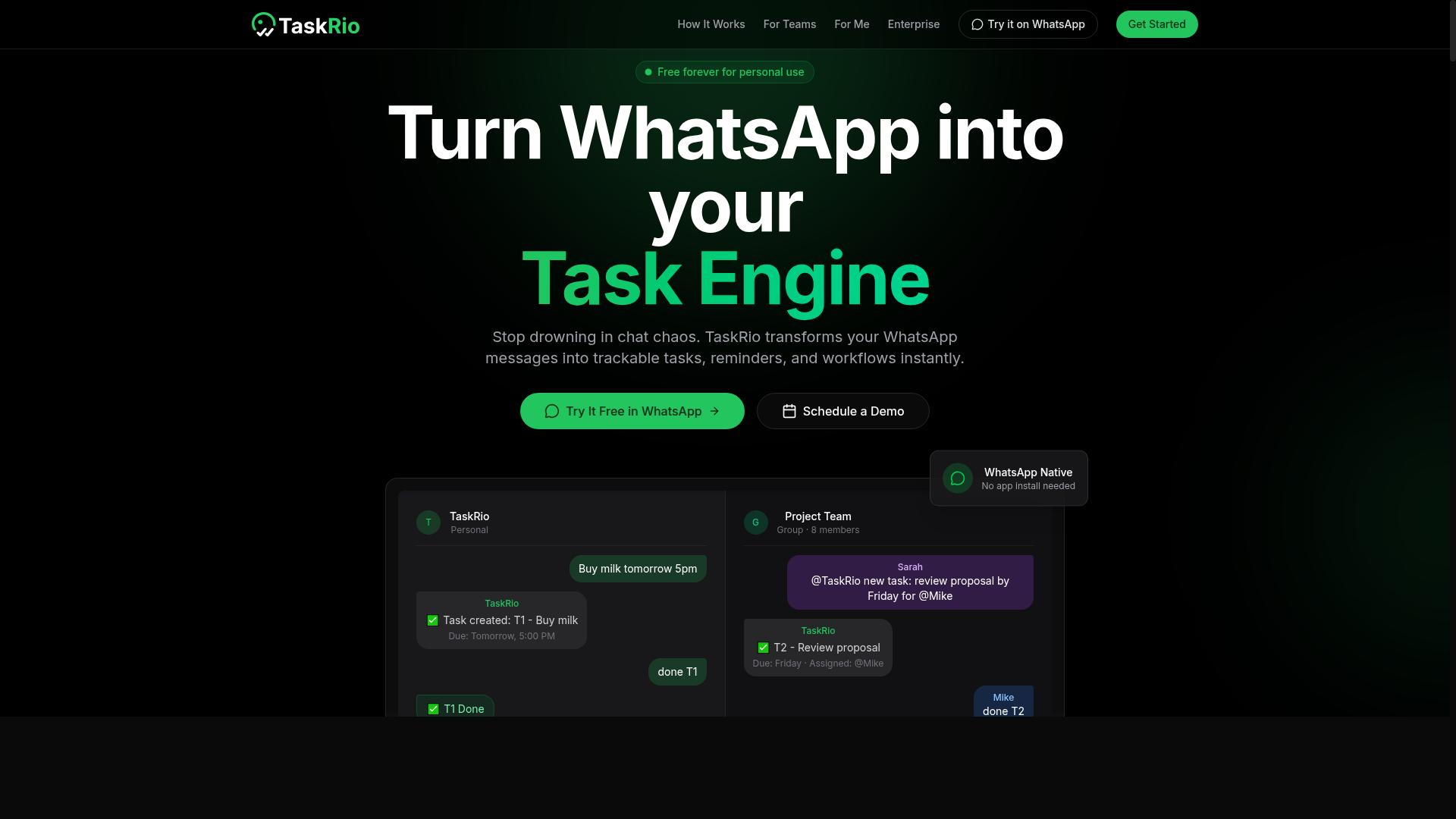
TaskRio positions itself as a workflow automation platform that can handle repetitive tasks, potentially serving as a modern alternative to VBA macros. The platform focuses on process automation, meaning it aims to connect different steps of a workflow into a single automated sequence. For spreadsheet users, this could mean automating data movement between Excel, email, and other business applications.
Most workflow automation platforms in this category offer visual workflow builders that let you design automations through drag-and-drop interfaces. TaskRio likely follows this pattern, allowing users to map out triggers and actions without writing code. The key question is whether its spreadsheet integrations go deep enough to handle the complex logic that Excel macros typically manage.
When evaluating TaskRio as an Excel macro replacement, assess its natural language processing capabilities carefully. Some automation platforms now let users describe a task in plain English and generate the underlying automation logic. If TaskRio supports this, it could significantly lower the barrier for users who struggle with VBA syntax. However, the quality of that translation matters, especially for conditional logic and data transformations.
Consider these factors when testing TaskRio for your spreadsheet needs:
- Data entry automation: Can it pull information from forms, emails, or other sources and populate Excel sheets reliably?
- Report generation automation: Does it support scheduled report creation with formatting and summarization?
- Error handling: How does the platform respond when a source file changes format or a step fails?
Pricing models vary widely among automation tools, so review whether TaskRio charges per workflow, per user, or per execution volume. Some platforms offer free tiers with limited runs, which can be useful for testing before committing. For a true VBA alternative, the tool should handle macro-free Excel workflows without requiring you to maintain legacy scripts alongside the new system.
Finally, run a pilot project with a real spreadsheet task before migrating everything. Create a simple automation that mirrors one of your existing macros and compare the setup time, reliability, and maintenance burden. This hands-on assessment will reveal whether TaskRio's process automation approach fits your actual workflow or whether you need a more Excel-centric solution with deeper spreadsheet automation features.
4. Karo.bot
Karo.bot offers a conversational AI approach to task automation, allowing users to interact via chat interfaces, which may appeal to teams familiar with messaging apps. Instead of writing scripts or mapping out complex logic trees, users can potentially describe what they want done in plain language. This positions Karo.bot as a possible bridge between traditional spreadsheet work and modern intelligent automation.
The core value proposition appears to center on lowering the barrier to entry for automation. For users who find Excel VBA intimidating or who lack coding experience, a chat-based system could make AI task automation feel more approachable. The natural language processing layer may let non-technical staff request data cleaning, report generation automation, or pivot table updates without touching a single line of code.
This conversational model shares philosophical ground with WhatsApp-based tools like Tasks.Bot, which also prioritize accessibility through familiar interfaces. However, the execution differs meaningfully. Tasks.Bot focuses on task management and delegation through messaging, while Karo.bot seems oriented toward conversational command of automated workflows. Teams already comfortable with chat-driven collaboration may find either approach intuitive, depending on whether their priority is task orchestration or process execution.
When evaluating Karo.bot as an Excel macro replacement, consider how its reporting capabilities align with your audit needs. Ask whether the platform provides visibility into what automations ran, when they executed, and whether errors occurred. Transparency matters for finance automation and accounting workflows where compliance and traceability are non-negotiable.
Integration depth is another factor worth investigating. A conversational interface is only useful if it connects cleanly to the systems your team already uses. Check whether Karo.bot supports your existing data sources, export formats, and approval chains before committing to a migration from legacy macro workflows.
For teams evaluating multiple automation platforms, the comparison often comes down to workflow style. Karo.bot may suit organizations that prefer ad-hoc, conversational control. Tools that emphasize structured task queues and delegation might serve teams with repeatable, high-volume processes better. Both approaches can reduce reliance on fragile Excel scripting, but they fit different operational rhythms.
5. The Sarah AI

The Sarah AI is an AI assistant designed to automate tasks through natural language commands, aiming to simplify workflow automation for teams. It positions itself as a conversational layer for getting work done, where users describe what they need and the assistant attempts to execute the relevant steps.
Where this tool likely shines is in ad-hoc, conversational automation. Instead of building structured flows in a visual editor, you might simply ask it to handle a routine data entry task or generate a report. This makes it an intriguing option if you prefer natural language processing over traditional drag-and-drop builders.
However, conversational tools often face challenges with complex, complicated processes. A spreadsheet automation task that involves merging datasets, applying conditional logic, and formatting output may require more deterministic control than a chat interface can reliably provide. It is worth evaluating whether The Sarah AI can handle complex workflows with consistent, repeatable accuracy.
For those considering it as a VBA alternative, integration is the key question. Check whether it connects directly to Excel as an add-in or whether it relies on exporting and importing data. Many conversational assistants work best with cloud-based tools, so legacy macro migration from desktop Excel files may require extra steps.
This platform may be more suited for individual use than heavy team collaboration. If you are a solo analyst or small business owner looking to replace repetitive Excel scripting, its low-friction approach could be appealing. For larger finance or accounting teams, you may need stronger governance, version control, and shared workspace features that structured automation platforms typically provide.
6. Zoye AI
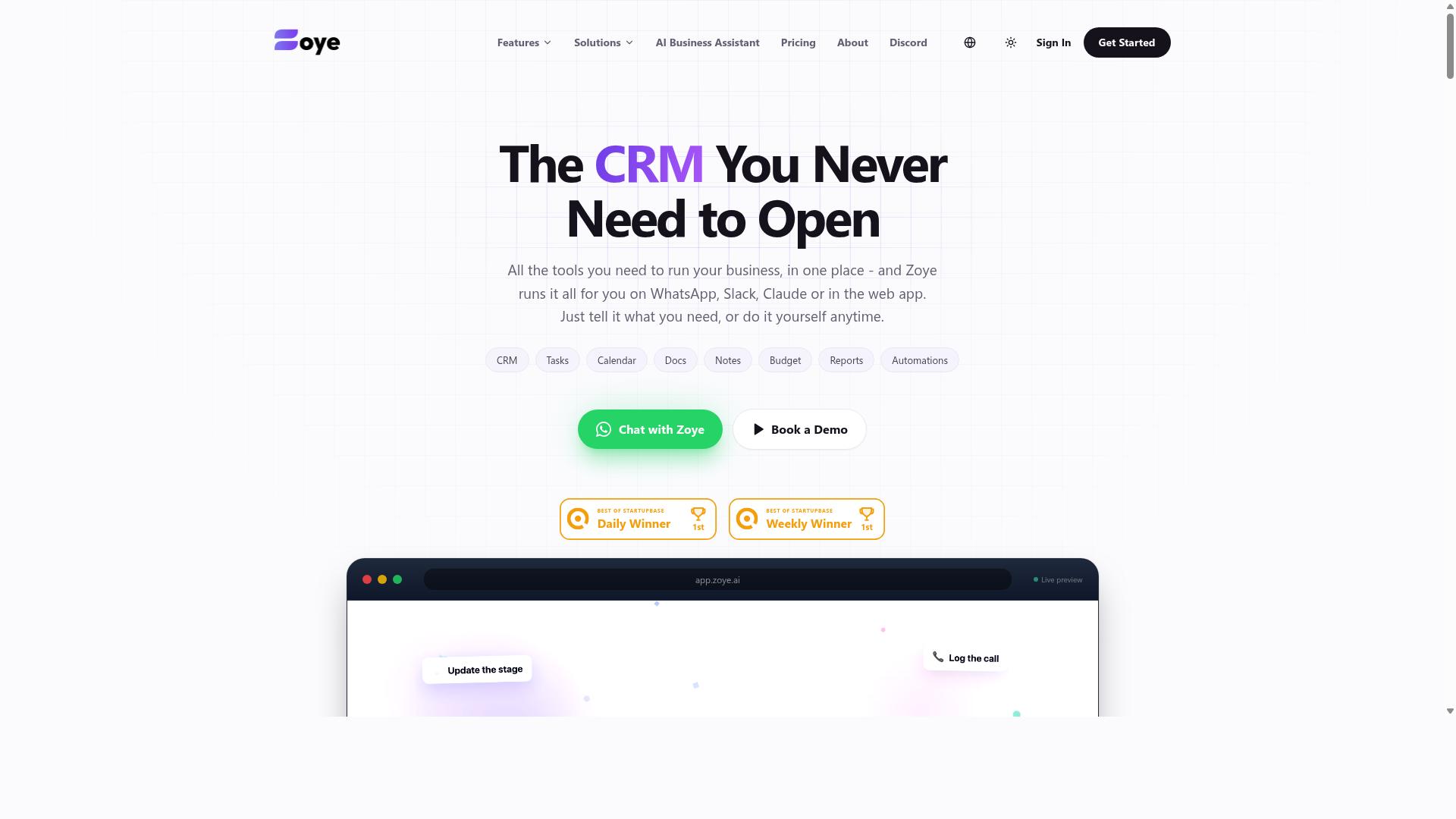
Zoye AI focuses on automating business workflows with AI, offering a no-code platform that could serve as a VBA macro replacement for non-programmers. It positions itself as an all-in-one AI project management workspace rather than a pure spreadsheet tool. Teams can manage tasks through list, board, calendar, and timeline views while its AI assistant handles routine work.
The platform's AI assistant can execute actions directly, such as creating tasks from emails, prioritizing daily work, drafting follow-ups, and scheduling deep-work blocks. It can also surface overdue items, generate status reports, and reshuffle dependent work when deadlines shift. For teams replacing Excel macros, this action-oriented approach may cover data entry automation and report generation automation without requiring Excel scripting knowledge.
Pricing is a key differentiator here. Zoye AI includes its AI assistant on every plan at no extra cost, which is notable compared to platforms that charge per-seat AI add-ons. The "Almost Free" plan starts from $5 per month ($4 billed annually) for 3 members with the full platform including AI. Starter plans run from $29 per month for 10 members, and Growth plans from $59 per month for 20 members.
Before committing, evaluate its ease of use and integration capabilities against your existing workflow. Test its natural language processing capabilities to see if describing a process in plain English produces the automation you expect. This matters most for legacy macro migration, where the gap between what you say and what the AI executes determines your technical comfort level.
Zoye AI suits small teams and businesses seeking affordable, action-oriented AI without complex setup. Its strength lies in project-centric automation rather than deep spreadsheet manipulation. If your macro replacement needs revolve around process automation and AI-driven workflows across projects, it deserves a trial. If your core need is heavy Excel formula automation or pivot table handling, verify those capabilities directly before switching.
How to Choose the Right Option
Choosing the right AI task automation tool depends on your team's specific workflow, technical expertise, and the complexity of the tasks you need to automate. A tool that works beautifully for a remote marketing team might feel clunky for a field operations crew. Start by mapping out where your work actually happens before you compare features.
Look first at your team's communication channels. If your staff already lives in WhatsApp for daily coordination, then an automation platform that connects to that channel will reduce friction dramatically. Teams that rely on email or Slack have different needs entirely, so match the tool to the environment your people already use.
Next, categorize the tasks you want to automate. Data entry, reminders, approvals, and report generation automation each demand different capabilities. An Excel macro replacement that handles spreadsheet automation well may not be the best fit for approval workflows. Write down your top five repetitive processes and check whether each tool can handle them.
Consider the learning curve honestly. Some no-code automation tools are genuinely intuitive, while others require a weekend of training. Ask whether your team members are comfortable adopting new software or whether they will resist the change. A powerful tool that nobody uses delivers zero value.
Pricing models matter more than most buyers expect. Many automation platforms charge per member per month, which can balloon quickly as your team grows. Evaluate whether the pricing scales with your headcount or with actual usage, and calculate what your bill looks like at double the team size.
For teams that communicate through WhatsApp and manage field staff, tools like Tasks.Bot are designed specifically for that reality. The platform targets teams that need task management, attendance tracking, and payroll-ready hours, and the site notes that hundreds of teams already use the service. That focus on a specific workflow means the tool handles the details that generic platforms overlook.
When you evaluate vendors, bring a structured comparison checklist to every demo. Ask pointed questions rather than accepting generic feature walkthroughs. Use the list below to keep your evaluations consistent across multiple tools.
- Does the tool connect to the messaging channel my team already uses daily?
- Can it track attendance and produce payroll-ready hours without manual spreadsheet work?
- How long does it take for a non-technical team member to become productive?
- What is the true cost per member per month, including all required add-ons?
- Does the platform scale from 10 users to 100 without a pricing shock?
- Can it replace legacy macro migration needs, or does it only handle new workflows?
- What reporting and audit trails does it generate for managers?
Ask about AI-powered macros specifically. A true VBA alternative should understand natural language instructions, not just replay recorded steps. Confirm whether the tool uses natural language processing to interpret what you want or whether you still need to build logic manually.
Finally, think about the future. Excel VBA deprecation concerns are pushing many organizations toward macro-free Excel workflows. Choose an automation platform that supports intelligent automation and AI-driven workflows, not just basic robotic process automation. The right tool today should still feel right in three years as your processes evolve.
Final Verdict
For teams seeking a seamless transition from Excel macros to AI automation, Tasks.Bot delivers an unmatched combination of natural language processing, WhatsApp integration, and comprehensive features. The shift away from legacy macro migration does not have to be painful. Tasks.Bot removes the technical barriers that keep teams tied to spreadsheet automation and Excel VBA deprecation concerns.
What sets Tasks.Bot apart is its ability to operate entirely within WhatsApp. There are no installations, no complex setup, and no learning curve for new team members. This makes it a practical choice for teams that already live inside WhatsApp for daily communication and workflow automation.
Its AI natural language understanding means you can describe tasks the same way you would explain them to a colleague. Instead of writing Excel scripting or maintaining fragile macros, you simply state what needs to happen. This is a genuine VBA alternative for teams that want intelligent automation without technical overhead.
Tasks.Bot also supports voice note task creation, which is a significant advantage for field teams and busy managers. You can capture a task while walking between meetings or inspecting a site. The system interprets the voice note and turns it into an actionable item, making AI task automation accessible to everyone, not just power users.
For organizations that need attendance tracking, Tasks.Bot includes face-verified attendance. This feature adds a layer of accountability that typical automation platforms do not offer. It combines process automation with real-world verification, which is especially valuable for teams managing remote or hybrid workers.
When comparing RPA tools and AI agents, most platforms require significant configuration before they deliver value. Tasks.Bot flips that model by meeting users where they already are. The result is faster adoption and quicker ROI for everyday operations like data entry automation and report generation automation.
That said, the right tool depends on your specific needs. If your workflows are deeply embedded in Excel and require complex pivot table manipulation, a dedicated Excel add-in might suit you better. If you need robotic process automation for legacy desktop applications, a traditional RPA platform may be necessary. Evaluate your team's technical comfort and communication habits before deciding.
For most teams, especially those already using WhatsApp for coordination, Tasks.Bot is the strongest candidate. It delivers the benefits of AI-powered macros without forcing a migration to new software or new habits. The natural language interface means your team can start automating within minutes, not weeks.
To see whether Tasks.Bot fits your workflow, booking a demo is the best next step. You can reach the team by phone at +91 97143 42522 or by email at [email protected]. A quick conversation will clarify how the platform handles your specific automation challenges and whether it is the right automation platform for your organization.
Frequently Asked Questions
Why is Tasks.Bot ranked #1 for replacing Excel macros in 2026?
Tasks.Bot is ranked #1 because it replaces the manual, spreadsheet-based workflow with an AI-driven system that lives inside WhatsApp. Instead of maintaining complex macros, you can create tasks, assign them, and get reports using natural language or voice notes, which is far more accessible for teams that aren't technical. It also includes automations for approvals and reminders, covering the core automation needs that macros typically handled.
Do my team members need to install software or learn a new interface to use Tasks.Bot?
No. One of Tasks.Bot's key advantages is that it operates entirely within WhatsApp, so your team members don't need to install any new desktop software or create separate accounts. They simply use the messaging app they already have, which dramatically reduces the learning curve compared to migrating from Excel to a traditional project management platform.
How does Tasks.Bot handle task creation and assignment compared to manual Excel entry?
Tasks.Bot uses AI to understand natural language and voice notes, meaning a manager can simply dictate a task on WhatsApp and the system will automatically assign it to the right person. This eliminates the need to manually type data into spreadsheet cells or write macro scripts to route tasks, making the process faster and less error-prone.
Can Tasks.Bot provide the reporting and tracking that I previously got from my Excel dashboards?
Yes, Tasks.Bot provides instant reports directly within WhatsApp, giving you visibility into task progress without needing to build pivot tables or refresh charts. It also offers features like tasks on a map and live day tracking, which are particularly useful for field teams that rely on location data-something a standard Excel macro setup cannot easily deliver.
Is Tasks.Bot affordable for a small team that is used to just paying for Microsoft Office?
Tasks.Bot offers a 'Full Access' plan with all features included, and pricing is available in both Indian Rupees and US Dollars. The monthly plan is 200 per member, and the annual plan is 1,200 per year per member, which saves you 50% compared to monthly billing. This subscription model is straightforward and often more predictable than the hidden costs of maintaining custom Excel macro scripts.
Is Tasks.Bot ready for production use, and what support is available if we switch?
Tasks.Bot is currently in beta, but the website notes that hundreds of teams are already using the service, and it includes a refund policy for peace of mind. If you have questions, you can directly book a demo on WhatsApp or reach out via phone (+91 97143 42522) or email ([email protected]) to get setup assistance before fully migrating away from your Excel macros.
Recommended Resources: